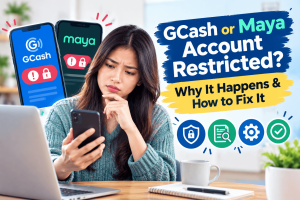
GCash or Maya Account Restricted? Why It Happens and How to Fix It (2026 Guide)
Quick Summary & Sourcing: Sourced from official Bangko Sentral ng Pilipinas (BSP) Circulars (including Circular No. 1213 on Fraud Management Systems and anti-fraud protocols under RA 12010), RA 11765 (Financial Consumer Protection Act), and official GCash and Maya Help Center guidelines. Verified October 2026.
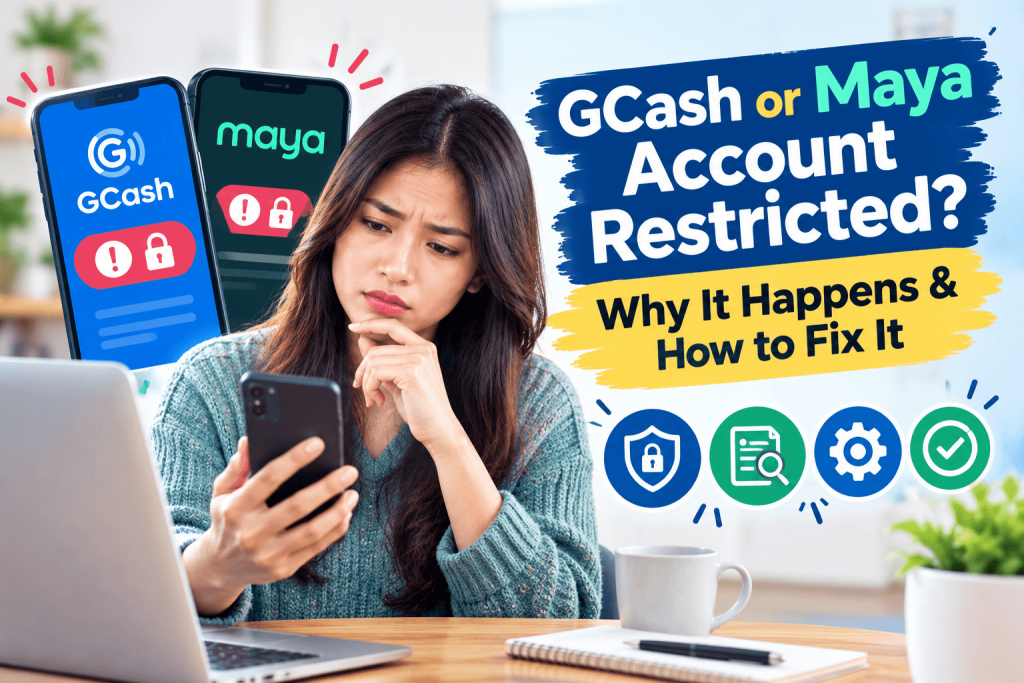
You are standing at the store cashier, tapping your phone to pay for groceries, or trying to send money to a family member in an emergency. You press confirm, but instead of the usual green checkmark, you see a sharp red error message: “Account Limited,” “Transaction Failed: Contact Support,” or “Verification Required.”
In an instant, your funds are trapped, and you’re left wondering what went wrong.
If your GCash or Maya account was suddenly flagged, placed on hold, or restricted, do not panic. In almost all cases, this is not a permanent ban, and your money has not been confiscated. It is an automated safety lock triggered by strict regulations set by the Bangko Sentral ng Pilipinas (BSP) and the Anti-Money Laundering Council (AMLC).
Here is a clear, step-by-step guide explaining why your e-wallet was locked, how current security rules affect your account, and exactly how to fix it without getting trapped in customer support loops.
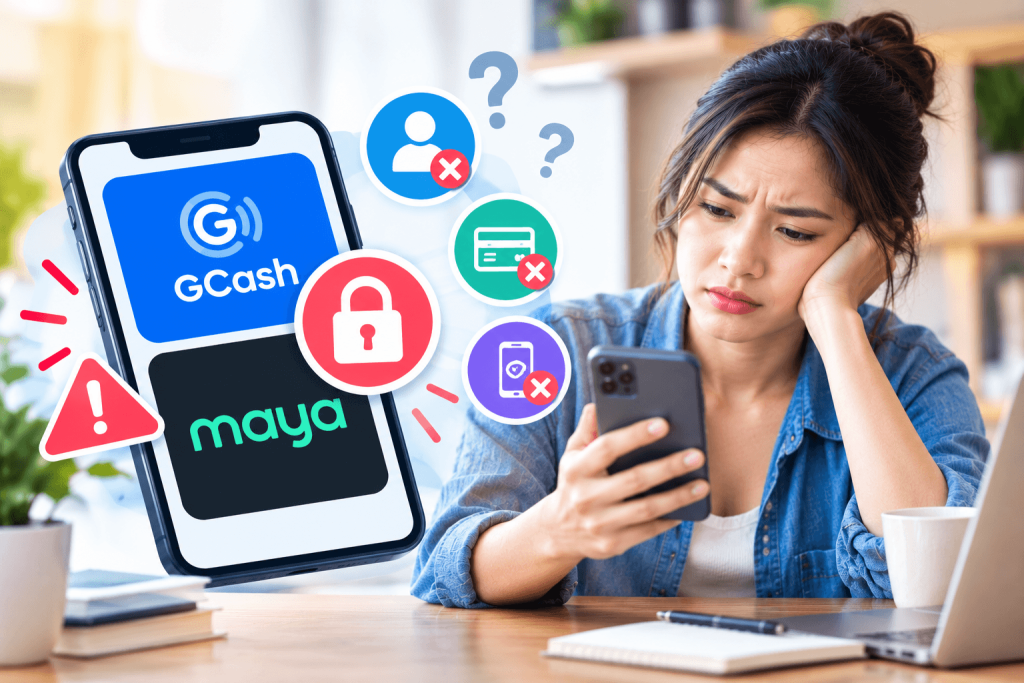
Why E-Wallets Flag Accounts (The Common Triggers)
Digital wallets are classified as Electronic Money Issuers (EMIs) in the Philippines. Under BSP rules and the Anti-Financial Account Scamming Act (AFASA / RA 12010), e-wallet providers are required to continuously monitor account activity using real-time Fraud Management Systems (FMS) rather than checking your identity just once during registration.
The most common reasons accounts get flagged include:
1. Identity Mismatches & Stale KYC Data
- Name Discrepancies: Differences between your registered name and your official government ID (e.g., maiden name vs. married name, or missing middle name).
- Expired IDs or Outdated Photos: If you verified your account years ago with a temporary ID that has since expired, automated systems will periodically request an updated Know Your Customer (KYC) re-verification.
- Multiple Account Violations: GCash permits a maximum of five accounts linked to a single individual’s verified identity. Exceeding this limit or using multiple mobile numbers under different variations of your name can lock all linked wallets.
2. Sudden Changes in Transaction Patterns & Velocity Checks
- Unexpected High-Volume Transfers: Receiving or sending amounts significantly higher than your typical monthly profile triggers an automated risk check.
- Rapid Peer-to-Peer Transfers: Receiving multiple fast payments from unverified or flagged accounts can automatically pause your incoming transactions to prevent fraud spread.
3. Device Binding & Profile Change Cooling-Off Periods
- To comply with elevated BSP security standards (such as BSP Circular No. 1213, which mandates server-side biometrics and real-time fraud monitoring), changing sensitive profile data—like updating your mobile number, changing your linked email, or resetting security credentials on a new device—triggers a mandatory security hold lasting anywhere from 2 to 24 hours.
4. Unsafe Devices or Apps
- Logging into your e-wallet from a rooted or jailbroken device, or using third-party app cloning tools, will immediately suspend your app session for security compliance.
Pre-Check Checklist: Before Opening a Support Ticket
Before filing a lengthy customer support ticket, rule out basic technical glitches:
- Verify if it is a network outage: Clear your app cache, switch from Wi-Fi to mobile data, or check official social media pages for system maintenance notices.
- Check for temporary security holds: If you recently updated your phone number or logged in from a new phone, wait out the 24-hour safety window.
- Gather your verification documents:
- One valid primary government ID (PhilSys Digital/ePhilID/Physical ID, Passport, Driver’s License, UMID, or SSS ID). Under BSP rules, the PhilSys National ID must be accepted across all BSP-supervised institutions without secondary requirements.
- A clear selfie taken in a well-lit room while holding your physical ID.
- Proof of income or source of funds (e.g., latest payslip, BIR Form 2316, or Certificate of Employment) if your account was flagged for exceeding tier limits.
Step-by-Step Recovery Guide
Restoring a Restricted GCash Account
- Identify the exact error message: Open the GCash app, go to Profile > Help Center, and check “Your Conversations” or search your registered email inbox for official notifications from GCash.
- Submit an In-App Ticket:
- In the Help Center, tap Chat with Gigi or select Submit a Ticket.
- You can also call 2882 (free for Globe/TM users) or (02) 7213-9999.
- Choose the category: Account Profile > My account is locked/restricted.
- State your problem clearly: “My account was restricted without notice. I have prepared my valid ID and selfie for re-verification.”
- Re-Submit KYC Verification:
- When instructed, upload a crisp, uncropped photo of your primary ID. Avoid glares or shadows over text.
- Complete the live facial scan in a brightly lit room against a plain background.
Restoring a Locked Maya Account
- Check Your Registered SMS/Email: Maya sends automated notifications detailing whether your lock is a temporary 24-hour security hold or requires updated document submission.
- Contact Official Support:
- Call Maya Support directly at (+632) 8845-7788 or toll-free 1-800-1084-57788 using a Smart/PLDT mobile line.
- Alternatively, access the in-app chat support by tapping the Help icon on the login screen.
- Submit Verification Documents:
- Follow the secure link sent by Maya’s official support agent to upload your physical ID and video selfie.
- Ensure that the spelling of your full legal name on the form matches your submitted ID character for character.
What to Do When Support Stalls (Escalation Path)
Under RA 11765 (Financial Products and Services Consumer Protection Act), financial institutions are bound by strict statutory resolution deadlines. If your support ticket remains unresolved past the promised turnaround time (usually 24 to 72 hours), follow this formal escalation process:
Step 1: Document Everything
Keep a clean log of your interaction:
- Ticket reference numbers.
- Screenshots of your restricted account screen.
- Dates and times of all calls or chat sessions.
Step 2: Escalate via BSP Consumer Assistance Mechanism (CAM)
If an e-wallet platform fails to resolve your issue within a reasonable timeframe, you can file an official complaint with the regulator:
- Launch BOB (BSP Online Buddy) via the web portal at
bob.bsp.gov.ph, on the main BSP site (www.bsp.gov.ph), or via Facebook Messenger (@BangkoSentralngPilipinas). Alternatively, emailconsumeraffairs@bsp.gov.ph. - Select File a Complaint.
- Select your e-wallet provider (e.g., G-Xchange, Inc. for GCash, or Maya Bank / Maya Philippines for Maya).
- Provide your logged ticket reference number and explain that your account remains restricted without a clear resolution.
Note: E-wallet providers prioritize complaints forwarded directly by the BSP’s Consumer Empowerment Group, often resolving stalled tickets within 24 to 48 hours after BSP intervention.
How to Prevent Future Account Holds
- Keep Information Consistent: Always use your full legal name across all banking, government, and e-wallet registrations.
- Scale Up Activity Gradually: Avoid receiving large, multi-thousand-peso transactions immediately on a brand-new or long-inactive account.
- Update Apps and Credentials Safely: Avoid changing your phone number or email right before you need to make urgent financial transactions.
- Beware of Phishing: Never tap on link shorteners sent via SMS claiming your account is “blocked” or asking for your MPIN and One-Time Password (OTP).
Frequently Asked Questions (FAQ)
No. A security hold or temporary restriction freezes your wallet balance to prevent unauthorized withdrawals or transfers. Your remaining funds stay intact in your account until the verification hold is reviewed and lifted.
For basic security holds caused by device updates or PIN resets, the restriction lifts automatically after 24 hours. For manual KYC verification or document re-submissions, official resolution times range between 24 and 72 hours.
BSP guidelines prioritize primary, verifiable government IDs. The PhilSys National ID (including the Digital National ID and ePhilID), Passport, Driver’s License, UMID, or SSS ID are standard. Secondary IDs are frequently rejected by automated KYC scanners or subjected to longer manual review processes.
You must submit an account recovery request to update your registered mobile number. Prepare a sworn Affidavit of Loss (if the SIM was lost), a valid government ID, and proof of SIM ownership (e.g., SIM card bed, official SIM registration screenshot, or carrier certificate).
Yes, extremely helpful.
GCash is the most widely used e-wallet in the Philippines because it replaces cash for everyday transactions.
Not universally, but it works in many popular international destinations.
While GCash is primarily built for the Philippines, you can use it globally in two main ways.
You might also want to read this: How to Choose a Digital Bank in the Philippines