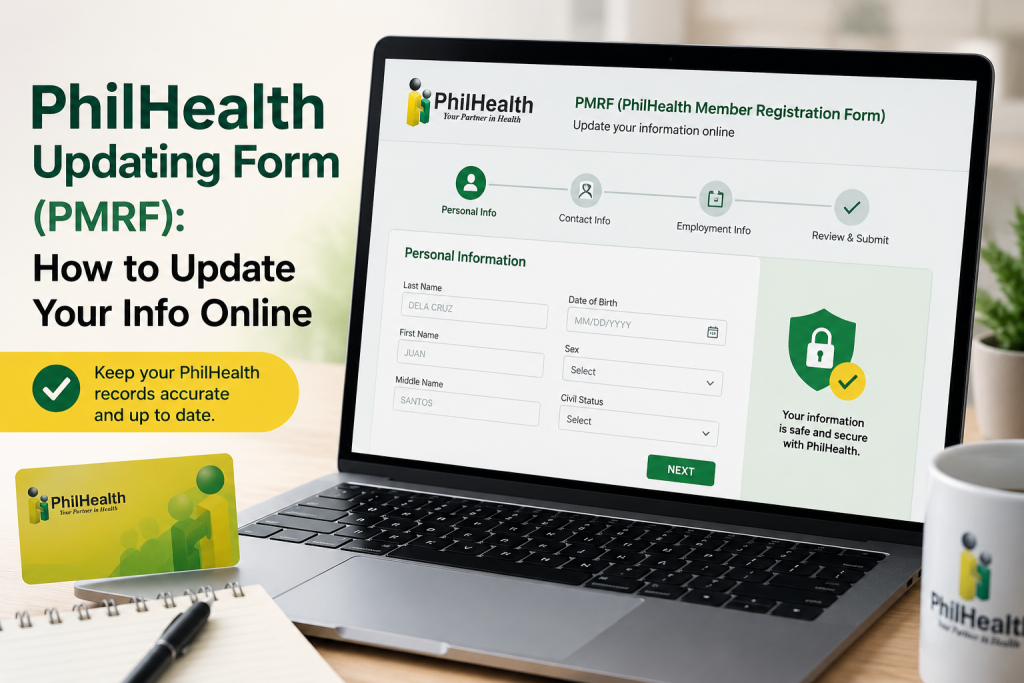
PhilHealth Updating Form (PMRF): How to Update Your Info Online
Step-by-step guide to updating your PhilHealth info using the PMRF — what you can change, how to submit it, and whether an onl
Process confirmed directly across multiple official PhilHealth pages (philhealth.gov.ph/members/formal/amendment.php, /members/lifetime/amendment.php, /members/sponsored/amendment.php), verified July 2026.
Whether you got married, added a dependent, changed your address, or just need to correct a typo in your name, updating your PhilHealth information all goes through one document: the PMRF (PhilHealth Member Registration Form). Here’s exactly how to do it, no matter what you’re updating.
What Is the PMRF?
The PMRF is PhilHealth’s all-purpose form — the same document used for new registration and for updating existing member data. What changes is a single checkbox at the top marking which one you’re doing.
What You Can Update Using the PMRF
- Civil status (e.g., single to married)
- Name changes or corrections
- Address and contact information
- Adding, removing, or updating dependents
- Employment status changes
- Correcting any inaccurate personal details on your Member Data Record (MDR)
This applies whether you’re a Formal Economy (employed) member, a Lifetime Member, a Sponsored Member, or any other membership category — the process is the same across all of them.
How to Update Your PhilHealth Information: Step-by-Step
- Download the official PMRF directly from PhilHealth: philhealth.gov.ph/downloads/membership/pmrf_012020.pdf. This is the UHC v.1, January 2020 edition — despite the older-looking date, this remains the current version in circulation as of this writing. Always confirm you’re downloading directly from philhealth.gov.ph rather than a third-party site, since outdated or altered copies can cause your submission to be rejected.
- Tick “FOR UPDATING” in the upper right-hand corner of the form — this is the single most important step people miss, since leaving it blank or ticking the wrong box can cause processing delays or have your submission treated as a new registration attempt.
- Fill out the PMRF completely, entering only the fields relevant to what you’re updating (you don’t need to re-fill unrelated sections, but incomplete related fields can cause rejection).
- Gather supporting documents relevant to your specific update — for example, a marriage certificate for a civil status change, or a birth certificate when adding a dependent.
- Submit your properly filled-out PMRF (with supporting documents) to your nearest PhilHealth office.
- Await the printout of your updated Member Data Record (MDR) confirming the change was processed. Processing time varies, but as a general benchmark, some branches report walk-in updates reflecting in the system within 1–3 working days once submitted — ask your specific branch for their current estimate.

Is There a Fully Online Option?
This is the honest answer, since a lot of people search specifically for an “online” update: the official PhilHealth pages we checked directly (covering Formal Economy, Lifetime, and Sponsored members) describe branch submission as the confirmed process, with no online self-service option mentioned. A few independent guide sites claim PMRF updates can also be completed through the Member Portal online — we couldn’t verify this directly against PhilHealth’s own official pages, so treat it as unconfirmed rather than guaranteed. If you want to try it, log in to the Member Portal and check whether an update/edit option is available to you; if not, the branch submission method below is confirmed to work regardless.
Some members have successfully submitted a scanned, completed PMRF with supporting documents via email to their local PhilHealth office instead of visiting in person — but this isn’t uniformly documented as an official channel across all offices, so call your nearest PhilHealth office first to confirm whether they accept email submissions before assuming this will work for your specific update.

Common Mistakes That Cause Delays
- Forgetting to tick “FOR UPDATING” — the single most common error, per the process itself.
- Using an outdated PMRF version downloaded from a third-party site instead of philhealth.gov.ph directly.
- Missing supporting documents for the specific change being requested (e.g., submitting a civil status update without the marriage certificate).
- Illegible handwriting or incomplete fields — fill out the form in block/capital letters where possible, and double-check every relevant field is complete before submitting.
Frequently Asked Questions
Submit to your nearest PhilHealth office; if you’re unsure which one covers your area, check the official PhilHealth branch locator or call the hotline for confirmation.
Processing time varies by branch and the complexity of your update — simpler corrections tend to process faster than changes requiring extensive document verification (e.g., dependent additions). Ask your specific branch for their current estimated timeline.
Contact PhilHealth’s 24/7 hotline (02-8662-2588) or check with a PhilHealth overseas representative office, since options may differ from the standard in-country branch process.
No — submitting the PMRF for a new registration or an update is free, with no processing fee. If anyone asks you to pay a fixer or “processing fee” to update your PhilHealth record, this isn’t official — report them to the PhilHealth Action Center at (02) 8441-7442.
Submitting an incomplete request typically leads to delays or rejection — gather the specific documents required for your update type before heading to a branch to avoid a wasted trip.
Related guide: PhilHealth Contribution Table 2026: How Much Should Be Deducted