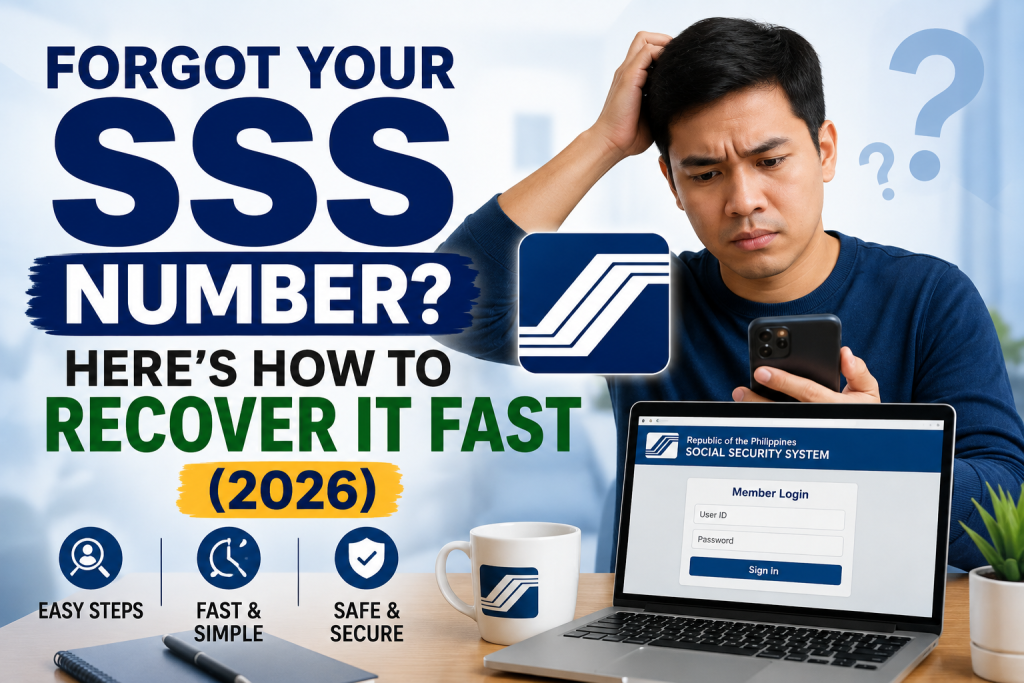
Forgot Your SSS Number? Here’s How to Recover It Fast (2026)
Every legitimate way to recover a forgotten SSS number — checking your My.SSS account, old documents, asking your employer, or contacting SSS directly.
Methods below are cross-checked across multiple independent sources and official SSS documentation. One claim circulating online — a self-service “Forgot SS Number” tool with facial recognition — could not be independently confirmed on the official SSS site as of this writing, so it’s not included below. Verify directly with SSS if you come across it.
Losing track of your SSS number happens more often than you’d think — it’s a 10-digit number you might only need once every few years. Here’s every legitimate way to recover it, starting with the fastest.
Important: This Is Different From “Forgot Password”
Before you start, make sure you’re solving the right problem:
- If you already have a My.SSS account but forgot your login password or User ID — that’s a password/User ID reset, not a number recovery issue. Use the “Forgot User ID / Password” tool on the My.SSS login page instead.
- If you don’t know your actual 10-digit SSS number at all — that’s what this guide covers.
Method 1: Check Your My.SSS Account (If You Have One)
If you’ve ever registered for My.SSS, this is the fastest method:
- Log in to your My.SSS account (web or mobile app) using your User ID and password.
- Your 10-digit SSS number is displayed on your account dashboard.
If you don’t remember your My.SSS login either, use the portal’s password/User ID recovery tool — you’ll still need to know your SSS number for that in some recovery paths, so if this doesn’t work, move to the methods below.
Method 2: Check Your Physical Documents
Your SSS number is likely printed on documents you already have at home:
- Old SSS ID card (pre-UMID cards had the SS number printed directly on the front)
- SSS Form E-1 (Personal Record) — issued when you first registered as a member
- SSS Form E-4 (Member Data Change Request) — if you’ve ever filed one
- Old payslips or Certificate of Employment, which sometimes list your SSS number
- Email inbox — search for past correspondence from SSS, which often references your number
Note on UMID cards: your UMID card displays your CRN (Common Reference Number), which functions as your primary identifier for most SSS online services. Your original SSS number remains linked to your record, but isn’t always the number printed on newer UMID cards — if you only have a UMID and no other document, this may not directly show your SSS number.
Method 3: Ask Your Employer (Current or Past)
If you’re employed or have been employed before, your employer’s HR or payroll department is required to keep records of your SSS number for contribution remittance purposes. This is often the fastest method for employed members who don’t have their documents handy.
Method 4: Contact SSS Directly
If none of the above work, reach out to SSS directly:
- SSS Hotline: 1455
- Registration/technical support hotline: (02) 920-6446 to 55, Monday–Friday, 8:00 AM–5:00 PM
- Email: usssaptayo@sss.gov.ph
- Facebook: Philippine Social Security System official page
Be ready to provide your full name, date of birth, and other identifying details for verification.
Method 5: Visit an SSS Branch
If online and phone methods don’t resolve it, visit any SSS branch in person:
- Bring a valid government-issued ID (UMID, Passport, Driver’s License, or PhilSys/national ID).
- Explain to SSS staff that you need to retrieve your SS number — they’ll verify your identity against your ID and other details on file (full name, date of birth, and possibly other identifying information) and provide your number directly.
Note: some sources describe this as done via SSS Form E-4 (Member Data Change Request) with a specific “SS number inquiry” option — the official E-4 form itself is designed for updating/correcting member data, and we couldn’t independently confirm a dedicated number-inquiry checkbox on it. If your name or other details also need correcting, E-4 is the correct form for that separately — you can download the official SSS Form E-4 PDF here directly from SSS. For a straightforward number retrieval alone, a simple in-person request with valid ID should be sufficient.
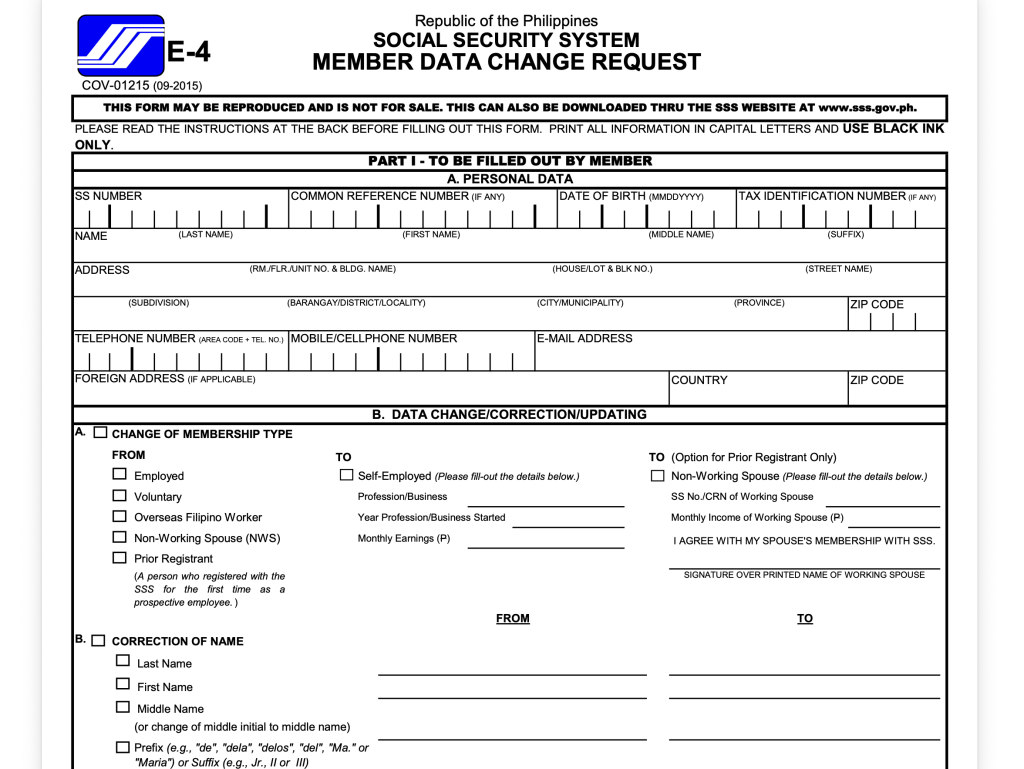
- Suggested alt text: “Official SSS Form E-4 Member Data Change Request form, page 1, downloaded from sss.gov.ph”
- Suggested caption below the image: “Official SSS Form E-4 (Member Data Change Request), sourced directly from sss.gov.ph — download the PDF here“
What If You Have Two SSS Numbers?
If your search turns up two different numbers, don’t ignore it — having a duplicate SSS number is a real problem under Philippine law (each member is required to have a single, permanent number), and it can complicate your contribution records and benefit claims. This needs to be corrected with SSS directly rather than just picking whichever number seems more recent.
FAQs
The SSS text service (2600) is primarily for checking contributions and loan status once you already know your SSS number — it’s not designed for recovering a completely forgotten number.
No, retrieving your SSS number through official SSS channels (hotline, email, branch visit) is free.
Typically same-day/immediate once your identity is verified with a valid ID, though this can vary by branch and volume.
You’ll need to have your name updated with SSS (typically via Form E-4) for your records to match — this can affect verification if the name you provide doesn’t match what’s on file.
Related guides: How to Register for My.SSS Online